
Time tracking for joinery teams
Connect workshop production and site installation hours to each customer project.
Keep making and fitting together
A cabinet order can move from cutting and assembly to installation across several working days. smaft gives New Zealand joinery, furniture and fit-out teams a shared record of the people and hours involved in that customer project.
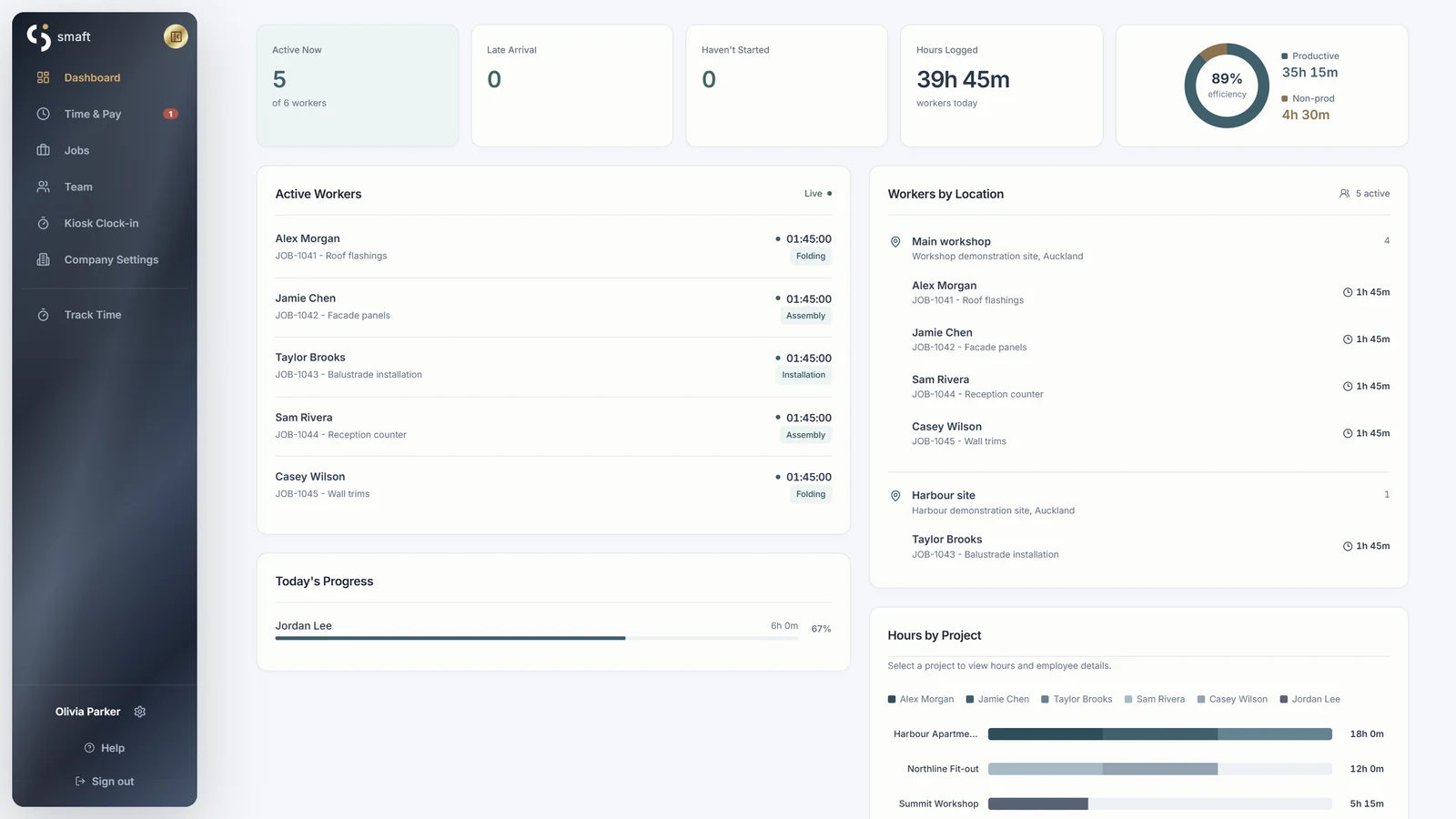
One project, several stages
Organise the customer order
Create a Project for a kitchen or fit-out, with separate Jobs for assembly, finishing and installation. Give each Job its relevant Work Type.
Track work where it happens
Use an enabled Kiosk in the workshop and a browser-based timer on site. Both use the same employee time records.
Review production and installation
Check recorded hours by Job and Project, inspect individual entries, and export employee timesheets to Excel for office follow-up.
A practical order structure
| Customer | The customer record can link to the Project. |
|---|---|
| Project | Groups the Jobs belonging to the kitchen, order or fit-out. |
| Job | A separately timed piece of work, such as assembly or installation. |
| Work Type | Classifies the activity attached to the Job. |
Questions about this workflow
Ask about your setupCan workshop and installation hours belong to one project?
Yes. Create separate Jobs for production and installation under the same Project. Each employee’s entries stay linked to the Job they selected.
Can a worker switch from one customer order to another?
Yes. Switching to the next Job closes the previous record and starts the replacement at the same timestamp. Each period retains its own Job.
Can we compare estimated and actual labour?
A Job can have an estimated duration. Its detail view shows recorded hours and the underlying entries, helping you review the labour allowed for that work.
Can we reuse a kitchen or cabinetry workflow?
Jobs and Work Types can represent your stages today. Automatic order templates, drawing attachments and production scheduling would need separate assessment and development.
Will Excel include a project column?
The current timesheet export includes Job number, Job name, Work Type and employee hours. It does not include separate Project or Site columns; discuss those reporting requirements with us.