
Job time tracking for fabrication
Record cutting, welding and installation hours against the work being done.
Follow the hours through the workshop
For New Zealand sheet metal, welding and fabrication teams, a day total only tells part of the story. smaft connects each worker’s time to a Job, so the office can review the labour recorded against an order’s different stages.
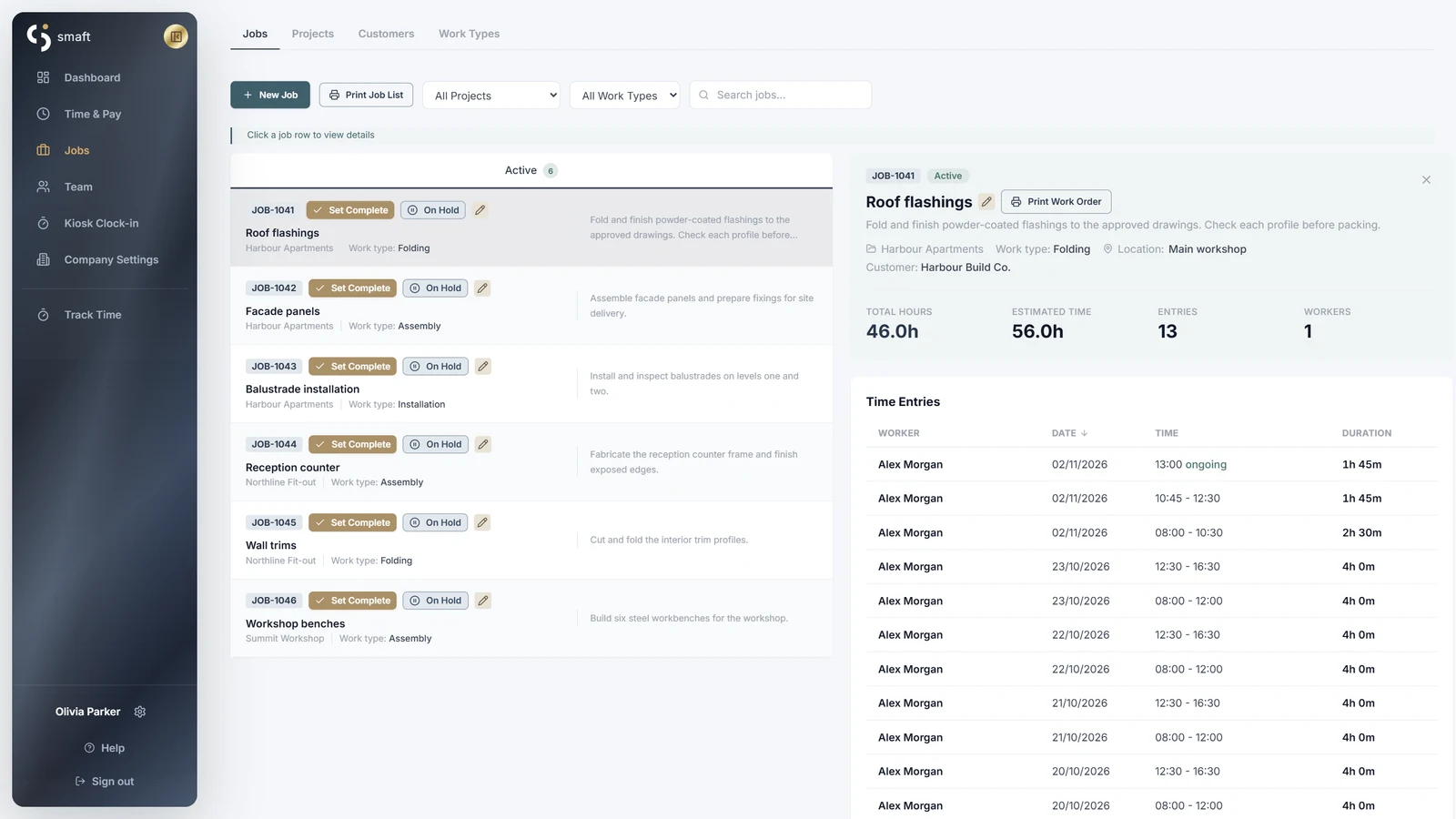
From order to recorded labour
Set up the work
Group cutting, welding and installation Jobs under the customer Project.
Record each stage
Select a Job on a phone or enabled Kiosk. Switch as work changes.
Review the hours
Compare estimated and recorded hours. Review employee entries and corrections.
Workshop setup at a glance
| Shared device | Authorised Kiosk with employee PINs. |
|---|---|
| Work away from the bench | Browser-based phone timer. |
| Office output | Excel: employee, Job, Work Type, start, end and hours. |
Questions about this workflow
Ask about your setupCan several employees record time on the same Job?
Yes. Each employee records their own time against the Job. The office can review the individual entries and the Job’s recorded hours.
Do workers need their own phone in the workshop?
An enabled Kiosk provides a shared terminal. Employees choose their name and enter their PIN to start, switch or stop work.
Can we separate rework from the original fabrication?
You can create a separately named Job for rework under the same Project. Dedicated rework reasons or quantity tracking would need a separate scope discussion.
Does smaft calculate the full manufacturing cost?
It records labour time and supports comparison with estimated duration. Materials, inventory, machine costs and complete profitability calculations are outside this workflow.
Can we scan a work order to start a Job?
Work-order scanning is a potential extension to assess with your team. The current workflow uses Job selection; scanning is not an included capability.