
One clock-in point for the workshop.
Employees use a PIN to record work on a shared terminal.
Keep the shared device ready.
An office user authorises a browser terminal for the team. Employees select their name, enter their PIN and choose the work. After a successful clocking action, the terminal returns to the employee list, ready for the next person.
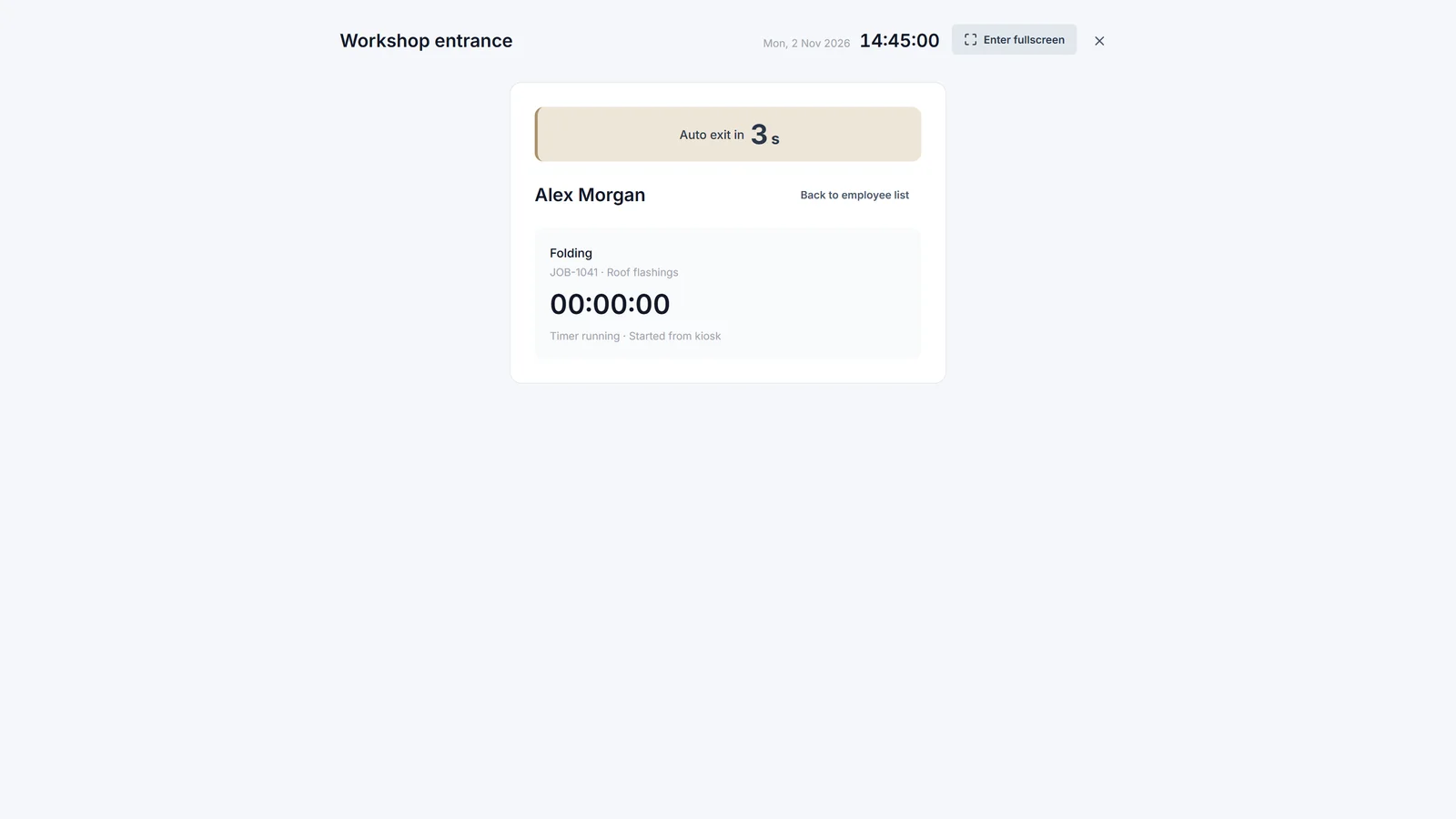
From terminal setup to Job time
Enable and authorise
Enable Kiosk, then authorise and name the terminal.
Record work
Enter a PIN. Choose work, then start, switch or stop.
Review the source
Check the terminal and clocking source in the office.
What the kiosk records
| Employee access | Individual four-digit PINs. |
|---|---|
| Shared timer | One employee timer across kiosk and personal devices. |
| Clocking source | Separate start/end sources and terminal identifiers. |
| Availability | Enabled per company after checking device and connection suitability. |
Questions about this workflow
Ask about your setupCan an employee start at the kiosk and stop on a phone?
Yes. Personal devices and kiosks share the same employee timer. The record retains the source used for each action.
Does the kiosk collect GPS or use facial recognition?
No. Kiosk-started entries record the authorised terminal as their source without GPS collection. Employees identify themselves with a PIN; facial recognition is not included.
Can the office revoke a shared terminal?
Yes. An office user can revoke a terminal remotely. Its clocking access is blocked while existing time records and running employee timers remain intact.
Does the kiosk work without an internet connection?
Plan for an internet connection. Offline clocking and automatic later synchronisation are not currently offered. We can assess the connection conditions at your workplace before setup.