
Take the time records into Excel.
Download employee hours, Job details and work types in one workbook.
Inspect the entries behind the total.
Choose a date range and employees, then export a Timesheet workbook. Its detail sheet contains individual time entries; its summary sheet totals productive and non-productive time by employee. Use these records for office analysis and follow-up.
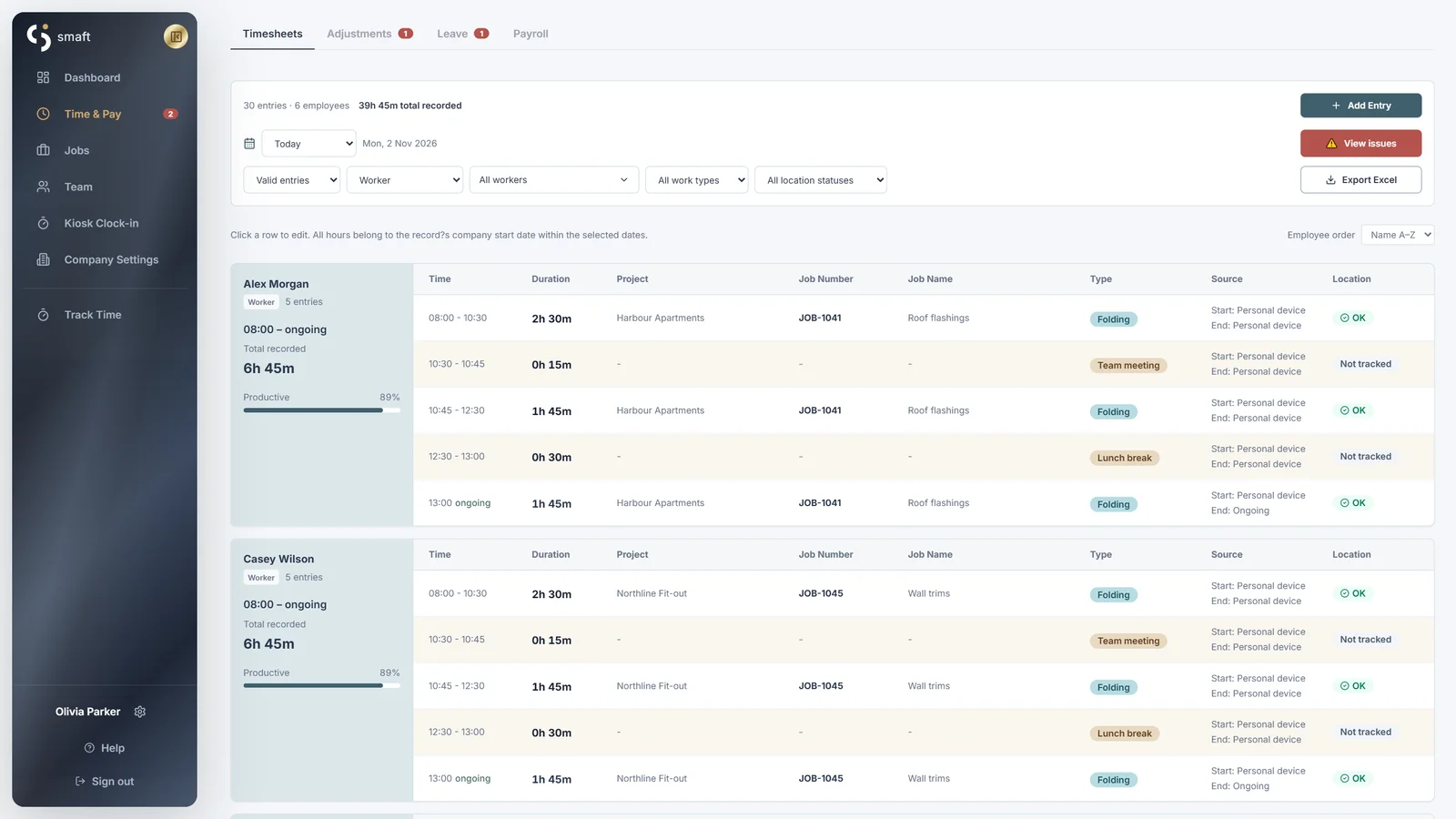
Choose the records you need.
Review the timesheet
Check entries and correction requests before relying on the recorded hours.
Choose export options
Select the dates and employees. Decide whether to include voided records for reference.
Download the workbook
Open the .xlsx file in Excel to filter individual entries or use the employee summary.
Included in the detail sheet
| Employee | Employee name and employee type. |
|---|---|
| Work | Job number, Job name, Work Type and productive status. |
| Time | Start date, start and end times, duration and decimal hours. |
| Record status | Completed, ongoing or voided. Optional void details explain cancelled records. |
Questions about this workflow
Ask about your setupCan I export CSV as well as Excel?
The current download is an Excel .xlsx workbook. A direct CSV download is not included. Tell us the receiving system and required columns if your workflow needs a different format.
Does the export include Project and Site columns?
The current detail sheet includes Job identifiers and Work Type, but does not include separate Project or Site columns. Those additional output requirements can be assessed before you adopt the workflow.
How are ongoing and overnight entries handled?
Ongoing duration is calculated at export time. The full entry duration belongs to its start date in the company timezone; the export does not split an overnight entry across days.
Is this an automatic payroll integration?
No. The Timesheet workbook is a downloadable record. A separate payroll-hours preview supports preparation, but payroll processing and imports into other products require their own assessment.
Do voided records count toward totals?
No. You can include them for reference, but they are excluded from valid employee time totals.